
Choosing the right color scheme is one of the most challenging parts of web design. A poor color palette can ruin even the best layouts. Once you have sourced your visual assets, like free commercial stock photos, matching your website's UI colors to those images is crucial for brand consistency.
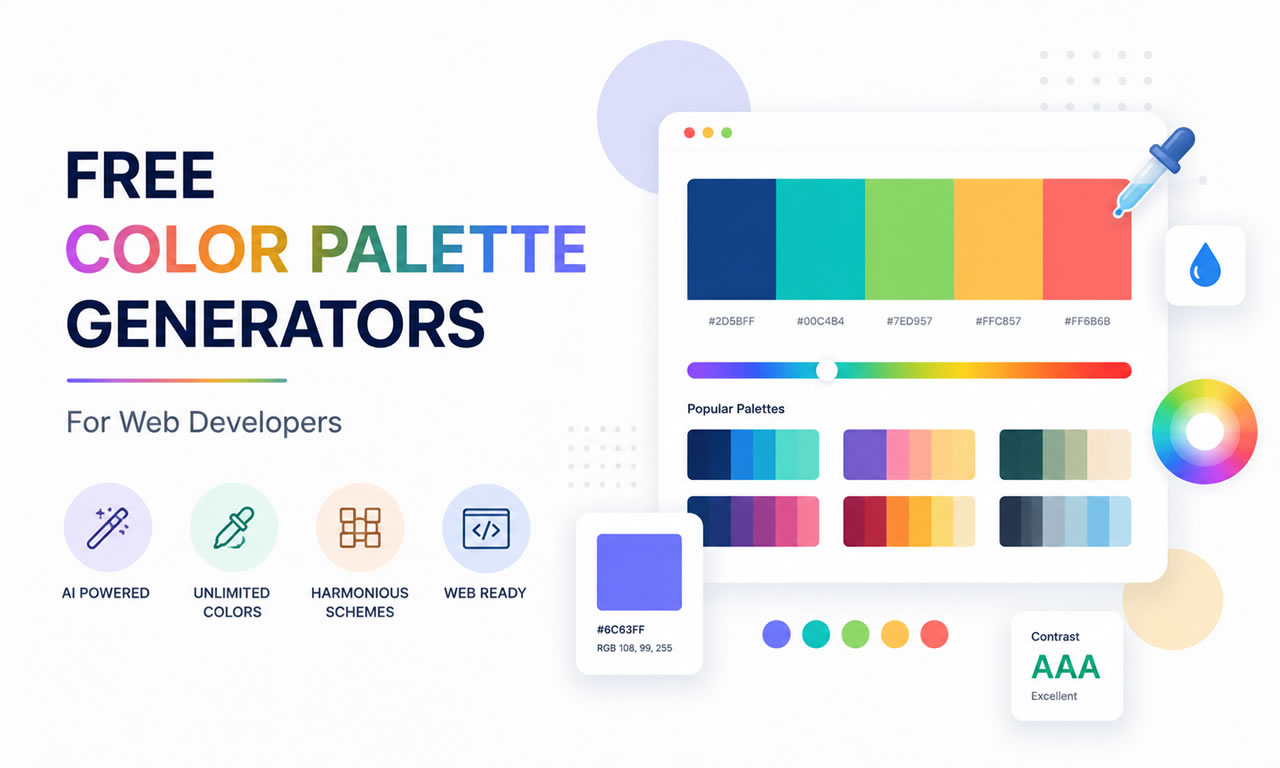
Here are the 5 best free tools to help you generate professional color palettes in seconds.
1. Coolors.co: The Fastest Generator
Coolors is arguably the most popular color palette generator. Just press the spacebar, and it instantly generates beautiful, modern color schemes. You can lock specific colors you like, adjust their shades, and generate matching tones around them. It also allows you to export palettes as PDF or CSS.
2. Adobe Color: For Professional Adjustments
Formerly known as Adobe Kuler, this free web-based tool lets you apply standard color rules (like analogous, monochromatic, complementary, or triad) to find the perfect scientific color match. The best feature is its "Extract Theme" function, which lets you pull a cohesive palette directly from an uploaded image.
3. Color Hunt: Curated by Designers
If you don't want to generate colors from scratch, Color Hunt offers a daily updated collection of hand-picked color palettes. You can sort by "Popular", "Trendy", or specific moods like "Retro" or "Neon". It's perfect for developers looking for quick inspiration without the hassle of tweaking sliders.
4. Paletton: The Scheme Designer
Paletton takes a more classical approach to color theory. Instead of just giving you five random colors, it provides a comprehensive color wheel. You pick a base color, and it generates an entire scheme including different shades and highlights. It also features a vision simulation tool to see how colorblind users will view your site.
5. Colormind: AI-Powered Palettes
Colormind uses artificial intelligence driven by deep learning. It analyzes photographs, movies, and popular artwork to learn color styles. The coolest part about Colormind is that you can preview the generated colors live on a mock website template to see exactly how the background, buttons, and text will look together.
Conclusion
Don't guess your website colors or rely purely on instinct. Use these free tools to establish a professional visual hierarchy that builds trust and keeps your visitors engaged.
