Category Archives: Design Assets & Templates

Free resources related to web design and graphic design, including free icons, templates, music, and sound effects.

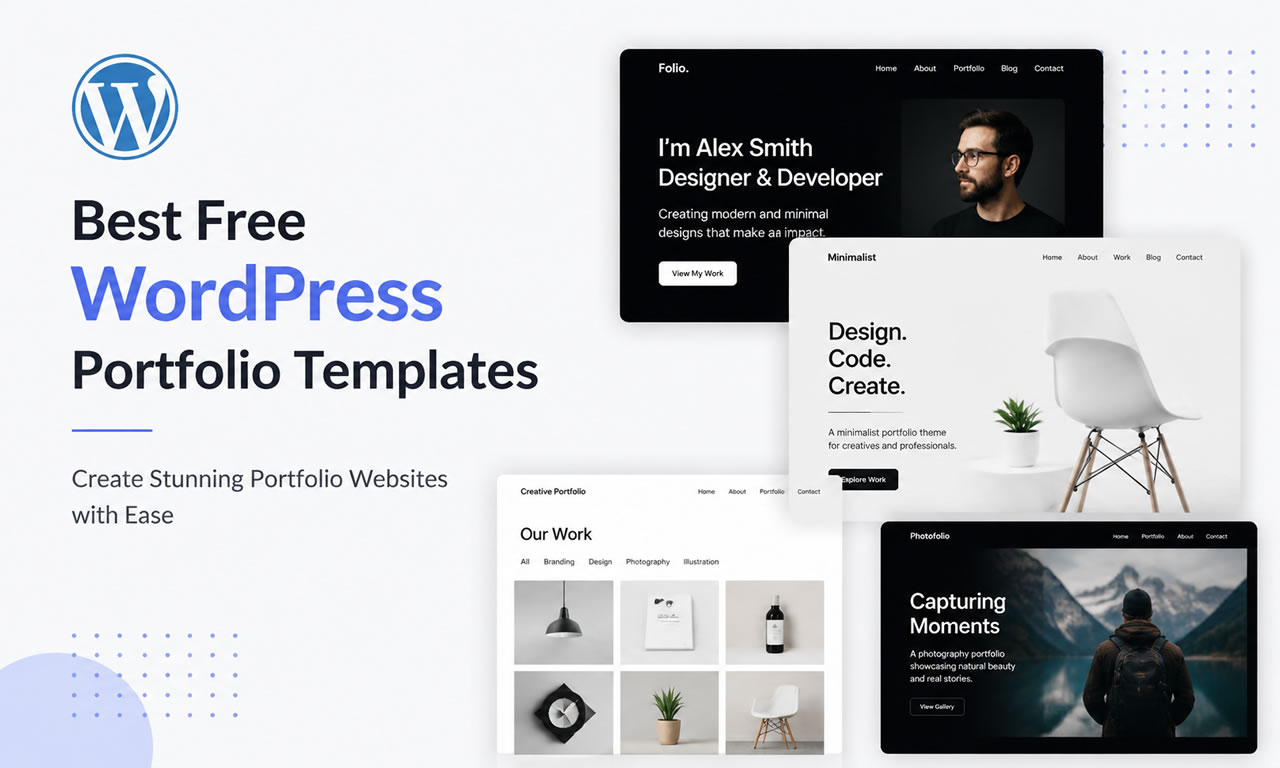
5 Best Free WordPress Templates for Portfolio Sites in 2026

Are you a freelancer, photographer, or designer looking to showcase your work? WordPress is still the most powerful CMS for building a portfolio. To make your projects shine, you need a fast, responsive theme paired with high-quality royalty-free images.
5 Best Free WordPress Templates for Portfolio Sites in 2026

Here are the 5 best free WordPress themes specifically optimized for portfolios and creative agencies.

1. Astra (Free Version)

Astra is incredibly lightweight (requiring less than 50KB of resources) and built for speed. It offers dozens of free starter templates, many of which are specifically designed for portfolios. It works seamlessly with page builders like Elementor and the default Gutenberg editor, giving you total freedom over your layouts.

2. OceanWP

OceanWP is highly customizable and packed with features. Its free version comes with powerful extensions that are normally premium in other themes. It’s perfect for creative professionals who want full control over their site's header, footer, and typography designs. It also integrates perfectly with WooCommerce if you plan to sell your artwork.

3. Neve by ThemeIsle

Designed with a mobile-first approach, Neve ensures your portfolio looks stunning on smartphones and tablets. It boasts lightning-fast load times, which is a critical ranking factor for Google in 2026. The theme is AMP compatible and provides incredibly clean grid layouts for showcasing case studies or photography.

4. Kadence Theme

Kadence is rapidly becoming a favorite among WordPress developers due to its incredibly powerful free header and footer builder. It offers a global color palette system, meaning you can change the entire color scheme of your portfolio with two clicks. Its starter templates feature modern, spacious designs perfect for creatives.

5. GeneratePress

If you care about clean code and maximum performance, GeneratePress is the answer. While its free version is visually simpler out of the box, it provides an rock-solid foundation. It is ideal for developers who want to build a minimalist portfolio that loads instantly and passes all Core Web Vitals tests with flying colors.

What Makes a Good Portfolio Site?

  • Clean Typography: Use highly readable fonts that don't distract from the visual work.
  • White Space: Ample padding and margins let your projects breathe and stand out.
  • Speed: Ensure your image galleries load quickly by compressing your files before upload.
Posted in Website Templates, WordPress | Leave a comment

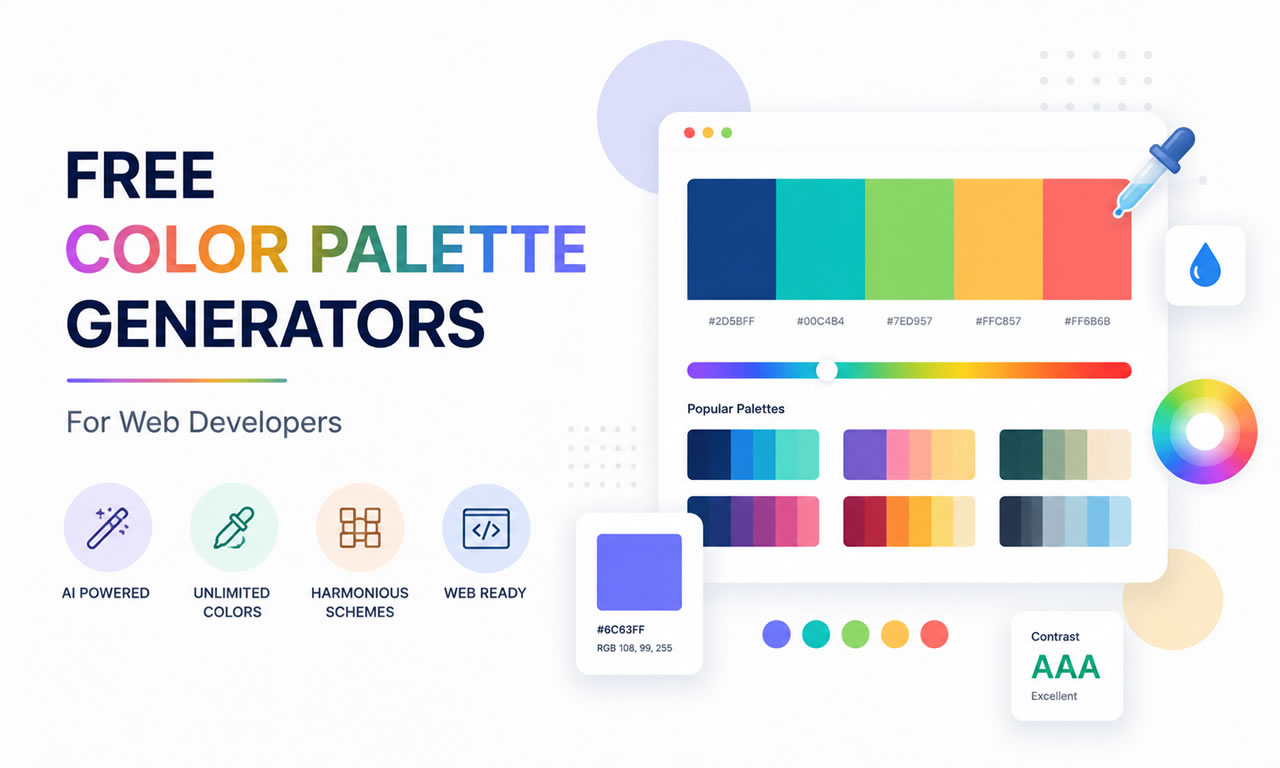
Top 5 Free Color Palette Generators for Web Developers

Choosing the right color scheme is one of the most challenging parts of web design. A poor color palette can ruin even the best layouts. Once you have sourced your visual assets, like free commercial stock photos, matching your website's UI colors to those images is crucial for brand consistency.

Top 5 Free Color Palette Generators for Web Developers

Here are the 5 best free tools to help you generate professional color palettes in seconds.

1. Coolors.co: The Fastest Generator

Coolors is arguably the most popular color palette generator. Just press the spacebar, and it instantly generates beautiful, modern color schemes. You can lock specific colors you like, adjust their shades, and generate matching tones around them. It also allows you to export palettes as PDF or CSS.

2. Adobe Color: For Professional Adjustments

Formerly known as Adobe Kuler, this free web-based tool lets you apply standard color rules (like analogous, monochromatic, complementary, or triad) to find the perfect scientific color match. The best feature is its "Extract Theme" function, which lets you pull a cohesive palette directly from an uploaded image.

3. Color Hunt: Curated by Designers

If you don't want to generate colors from scratch, Color Hunt offers a daily updated collection of hand-picked color palettes. You can sort by "Popular", "Trendy", or specific moods like "Retro" or "Neon". It's perfect for developers looking for quick inspiration without the hassle of tweaking sliders.

4. Paletton: The Scheme Designer

Paletton takes a more classical approach to color theory. Instead of just giving you five random colors, it provides a comprehensive color wheel. You pick a base color, and it generates an entire scheme including different shades and highlights. It also features a vision simulation tool to see how colorblind users will view your site.

5. Colormind: AI-Powered Palettes

Colormind uses artificial intelligence driven by deep learning. It analyzes photographs, movies, and popular artwork to learn color styles. The coolest part about Colormind is that you can preview the generated colors live on a mock website template to see exactly how the background, buttons, and text will look together.

Conclusion

Don't guess your website colors or rely purely on instinct. Use these free tools to establish a professional visual hierarchy that builds trust and keeps your visitors engaged.

Posted in Color Palettes | Leave a comment

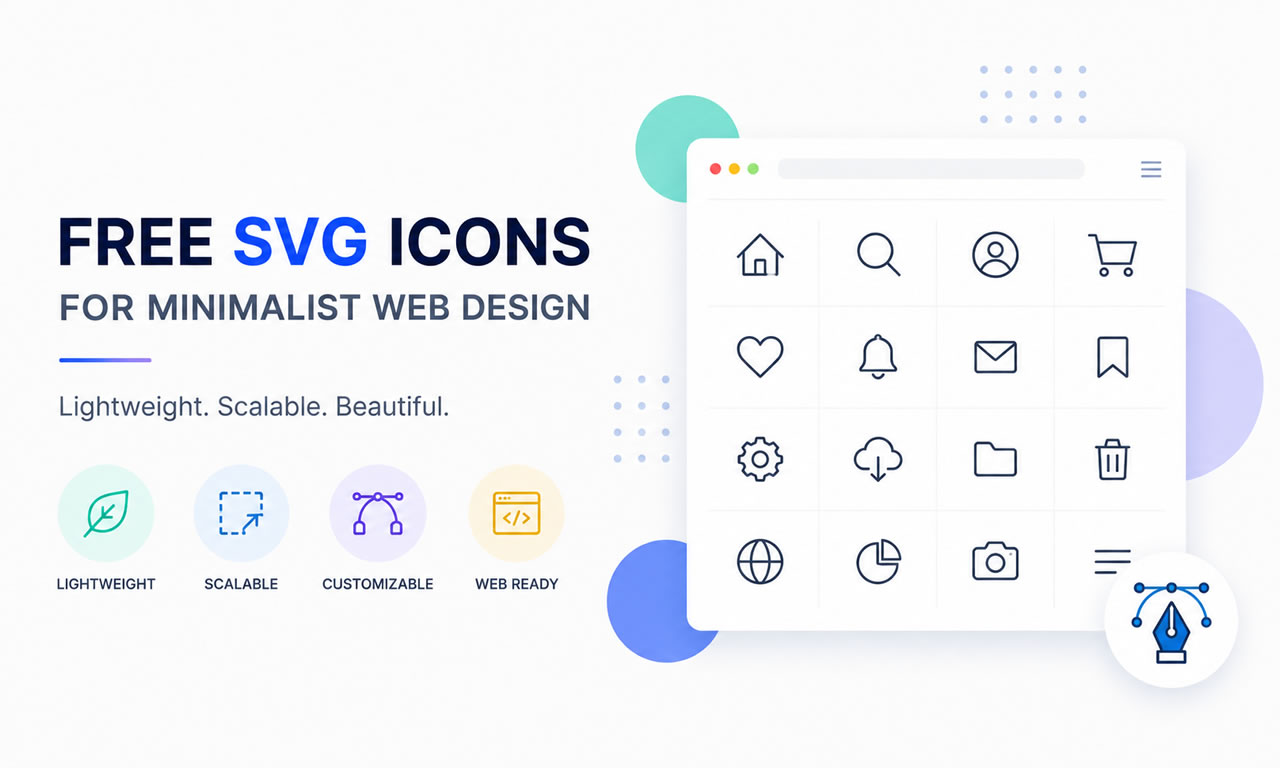
Where to Download Free SVG Icons for Minimalist Web Design

Minimalist web design relies heavily on clean, crisp visuals. While using the best free stock photo sites is great for background and hero sections, UI/UX design requires scalable vector graphics (SVG) to maintain sharpness across all screen sizes. Pixelated icons can instantly ruin a professional layout.

Where to Download Free SVG Icons for Minimalist Web Design

Why Choose SVG Over PNG?

  • Infinite Scalability: SVGs never lose quality, no matter how much you zoom in or display them on Retina screens.
  • Lightweight File Size: Because they are essentially XML code, they are much smaller than PNGs, boosting your SEO and loading speed.
  • CSS Customization: You can easily change their color, size, and hover effects directly via CSS without needing an image editor.

Top Sites for Free SVG Icons

1. SVG Repo: The Largest Open Database

SVG Repo offers over 500,000 free SVG vectors and icons. The best part? They are strictly categorized into different styles (monoline, filled, duotone) and are completely free for commercial use. It's a paradise for minimalist designers looking for specific interface icons.

2. Flaticon (Free Tier): The Industry Standard

Flaticon holds the largest database of free customizable icons in the world. They offer "packs" so you can keep the visual style consistent across your whole website. While you need to attribute the author on the free plan, the variety is unmatched.

3. Heroicons: Crafted by Tailwind CSS Creators

If you love clean, developer-friendly design, Heroicons is a must-bookmark. These beautiful hand-crafted SVG icons come in outline and solid styles. You can simply hover over an icon on their site and copy the SVG code directly into your HTML.

4. Iconmonstr: Strictly Minimalist

Created by a senior designer, Iconmonstr focuses purely on simple, bold, and highly recognizable icons. Everything on the site is 100% free for commercial use, requires no attribution, and fits perfectly into modern SaaS dashboards.

5. Font Awesome (Free Version): The Web's Most Popular

While technically an icon font, Font Awesome allows you to download all their free icons as individual SVGs. With thousands of well-designed icons representing brands, UI elements, and actions, it is the safest bet for any standard web project.

Pro Tip for Webmasters

Always combine lightweight SVG icons with optimized imagery. Keep your code clean, inline your critical SVGs, and your website will load instantly.

Posted in Free Icons | Leave a comment