10 Best Free Software Every New PC Needs in 2026

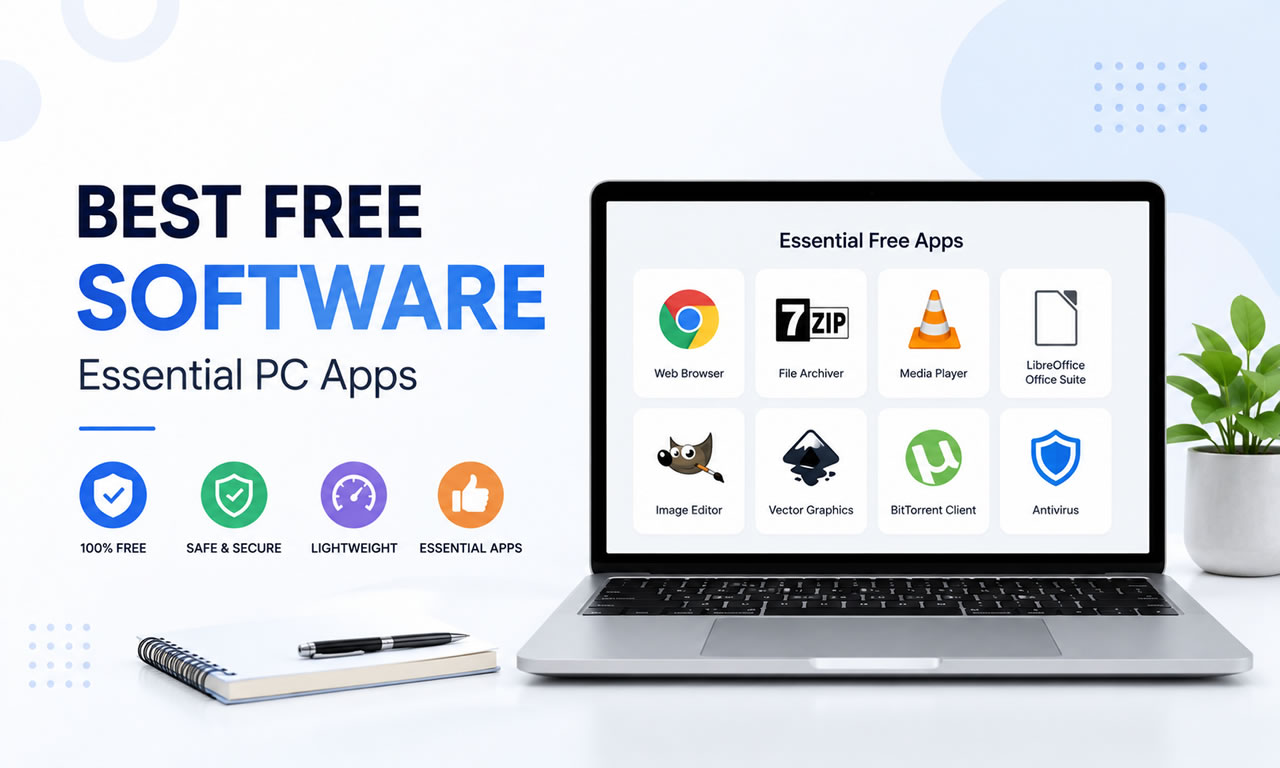
Setting up a new Windows or Mac computer is exciting, but the default built-in apps are rarely enough for power users. Fortunately, the open-source community and freeware developers provide incredible tools that cost absolutely nothing. If you want to maximize your productivity and security in 2026, here is our ultimate list of the 10 best free software you need to install immediately.
10 Best Free Software Every New PC Needs in 2026

1. Brave Browser: Fast and Ad-Free

Ditch the default browsers. Brave is built on Chromium, meaning it supports all Chrome extensions, but it automatically blocks trackers and intrusive ads out of the box. It dramatically speeds up page load times and respects your privacy.

2. 7-Zip: The Ultimate Archive Tool

Don't pay for WinRAR. 7-Zip is a completely free, open-source file archiver with a high compression ratio. It is lightweight, supports nearly every archive format (ZIP, RAR, TAR), and is an essential utility for any PC.

3. Bitwarden: Open-Source Password Manager

In 2026, using the same password for multiple sites is a massive security risk. Bitwarden is a 100% free, secure password manager that syncs across all your devices, allowing you to generate and store complex passwords safely.

4. VLC Media Player: Play Any Video Format

VLC remains the undisputed king of media players. It is free, contains no spyware or ads, and comes with built-in codecs to play virtually any audio or video format you throw at it.

5. LibreOffice: Free Microsoft Office Alternative

If you don't want to pay for a Microsoft 365 subscription, LibreOffice is the most robust free alternative. It includes powerful applications for word processing, spreadsheets, and presentations that are fully compatible with DOCX and XLSX files.

6. Microsoft PC Manager: Built-in Optimization

Microsoft's own free PC Manager has matured significantly by 2026. It offers a clean, ad-free interface to boost your PC's performance, clear temporary files, and manage startup apps without relying on sketchy third-party cleaners.

7. GIMP: Free Image Editor

Known as the free alternative to Photoshop, GIMP (GNU Image Manipulation Program) provides sophisticated tools for photo retouching, image composition, and graphic authoring. It has a steep learning curve but immense power.

8. OBS Studio: Screen Recording and Streaming

Whether you are recording a tutorial or streaming on Twitch, OBS Studio is the industry standard. It is completely free, open-source software for video recording and live streaming without any watermarks.

9. Everything: Lightning-Fast File Search

Windows' default search function can be sluggish. "Everything" by Voidtools is a tiny utility that instantly locates files and folders by name across your entire hard drive in milliseconds.

10. Audacity: Audio Recording and Editing

For podcasters, musicians, or anyone needing to edit audio files, Audacity is the best free, open-source digital audio editor. It supports multi-track editing, noise reduction, and various audio effects.

Summary

Equipping your PC with these robust free tools will save you hundreds of dollars while providing premium functionality. Build your ultimate digital workspace today without spending a dime.
Posted in System Utilities | Leave a comment

10 Must-Have Free WordPress SEO Plugins to Rank Higher in 2026

WordPress powers over 40% of the web, but it requires some technical tweaking out-of-the-box to achieve maximum search engine visibility. Paired with our recommended best free SEO tools, these free WordPress plugins will help you optimize your content, boost site speed, and index your pages faster directly from your WordPress dashboard.

10 Must-Have Free WordPress SEO Plugins to Rank Higher in 2026

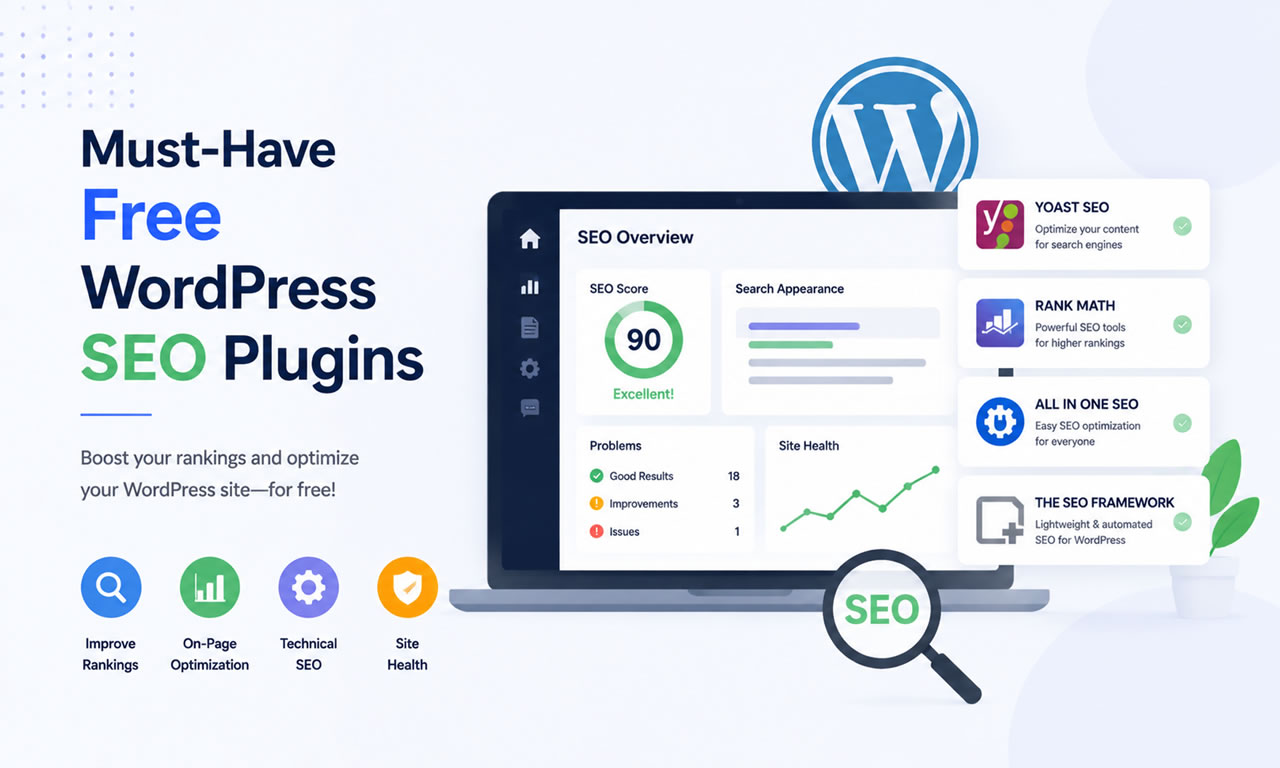
1. Rank Math SEO: The Modern All-in-One SEO Suite

Rank Math has taken the WordPress community by storm. The free version includes features that other plugins charge for, such as automated image SEO, advanced Schema markup for rich snippets, custom 404 monitoring, and a lightweight code footprint that won't slow down your site.

2. Yoast SEO: The Industry Classic

Yoast SEO is the classic, highly reliable giant of WordPress optimization. Its free version is perfect for beginners, offering a simple green-yellow-red traffic light system to guide your readability and keyphrase density before you publish any post.

3. All in One SEO (AIOSEO): Great for Local Business

AIOSEO offers a clean, beginner-friendly setup wizard. Its free tier excels at local SEO configurations, smart XML sitemaps, and basic social media previews (Open Graph), making sure your links look attractive when shared on platforms like X and Facebook.

4. LiteSpeed Cache: Essential for Core Web Vitals

Page speed is a major ranking factor for Google. If your web host runs on LiteSpeed web servers, this free plugin is an absolute game-changer. It offers server-level caching, CSS/JS minification, database cleanup, and free image optimization to ensure lightning-fast load times.

5. Smush: Automatic Image Compression

Unoptimized images destroy mobile loading speeds. Smush allows you to compress, optimize, and resize JPEGs and PNGs automatically as you upload them to your media library, stripping unnecessary data without sacrificing visual quality.

6. Redirection: Manage 301 Redirects Easily

When you change a page URL or delete old posts, visitors and search engine crawlers encounter 404 errors. Redirection is the most popular free manager for establishing 301 redirects, preserving your link equity and preventing lost domain authority.

7. Easy Table of Contents: Earn Google Sitelinks

Google loves structured, easy-to-navigate content. This lightweight plugin automatically generates a table of contents for your long-form articles based on your H2 and H3 headings. It significantly improves user experience and helps Google display clickable "jump-to" links directly in search engine results.

8. Instant Indexing for Google (by Rank Math)

Waiting days for Google to discover your new articles can hold back your traffic. Powered by Google's official Indexing API, this free plugin allows you to notify Google immediately whenever you publish, update, or delete a post, getting your content indexed within minutes.

9. WPCode (Insert Headers and Footers)

To connect tools like Google Search Console, Google Analytics, or custom Schema tracking scripts, you often need to insert code snippets into your site's header. WPCode lets you safely add these scripts without editing your theme's code or losing changes during theme updates.

10. Broken Link Checker: Catch Dead Links Early

Google penalizes sites that offer poor user experience, and dead links are a primary trigger. This free plugin scans your entire site in the background, identifying broken internal or external links and letting you update them with a single click from your WP admin panel.

Summary

You don't need dozens of overlapping plugins to rank on Google. Pick one core SEO suite (such as Rank Math or Yoast), pair it with a strong caching and image plugin, and use lightweight utility tools to maintain a clean, fast website.

Posted in WordPress | Leave a comment

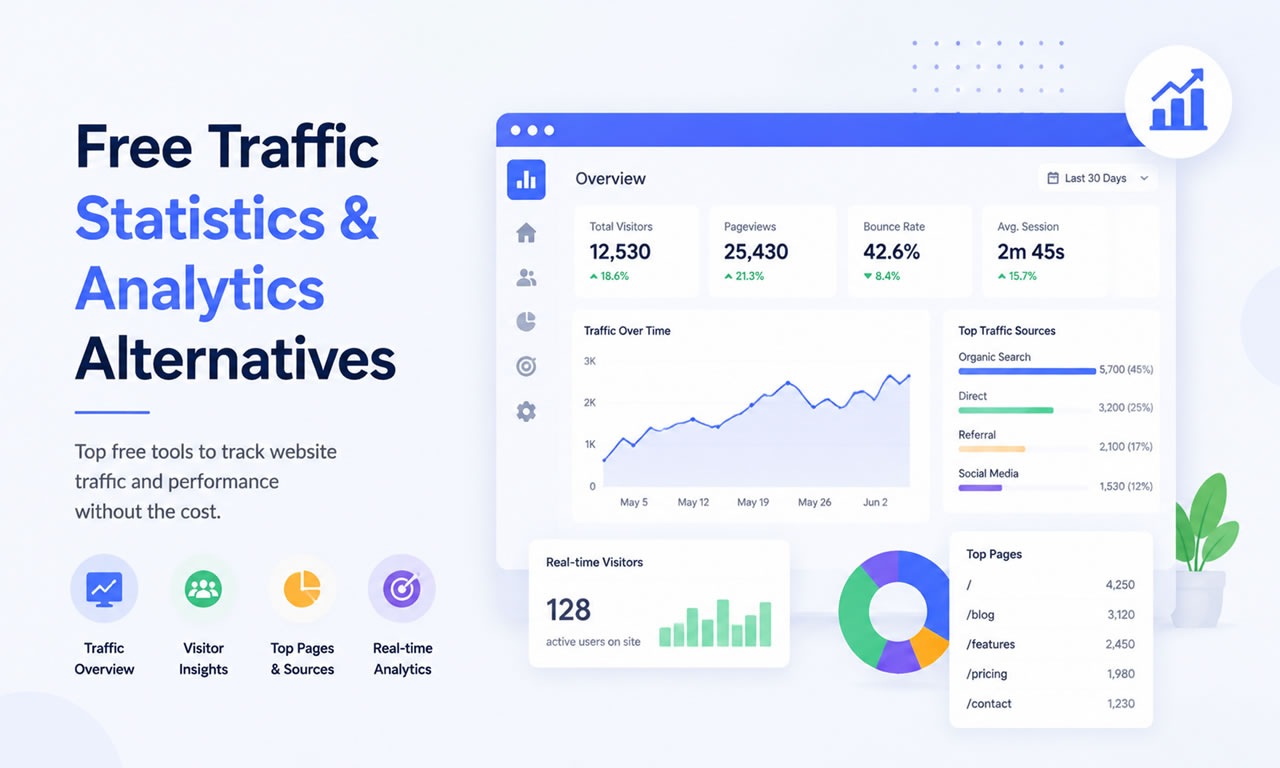
5 Free Google Analytics Alternatives for Traffic Statistics in 2026

While Google Analytics is powerful, it can be overly complex and intrusive regarding user privacy. If you are already tracking your search rankings with the best free SEO tools, you might want a simpler, privacy-friendly way to measure your daily website visitors.

5 Free Google Analytics Alternatives for Traffic Statistics in 2026

1. Plausible Analytics (Community Edition)

Plausible is an open-source, lightweight (< 1 KB), and privacy-friendly alternative. While their hosted version is paid, you can self-host Plausible for completely free. It gives you all the essential traffic metrics on a single, easy-to-read dashboard.

2. Matomo (Self-Hosted)

Matomo is the most robust free alternative to GA4. By downloading and hosting it on your own server, you retain 100% ownership of your data. It includes advanced features like event tracking, goals, and e-commerce analytics.

3. GoatCounter

GoatCounter is a surprisingly powerful, privacy-aware web analytics platform. They offer a free hosted tier for non-commercial use that covers up to 100,000 pageviews per month. It tracks referrers, screen sizes, and locations without using cookies.

4. Umami

Umami is an open-source analytics tool built with Node.js. It is incredibly fast and respects user privacy (GDPR compliant out of the box). If you have basic server knowledge, deploying Umami for free traffic tracking is a breeze.

5. StatCounter (Free Tier)

StatCounter has been around for decades. Their free tier lets you track up to 500 pageviews per month, providing a highly detailed, log-level view of your visitors' paths. It's excellent for brand new blogs just getting off the ground.

Posted in Online User Counter | Leave a comment

Best Free DNS Hosting Services for Faster Page Resolution

Domain Name System (DNS) is the phonebook of the internet. If your DNS provider is slow, your website will be slow—no matter how much you optimize it. Upgrading to a premium-grade free DNS is a quick technical win that complements the efforts of any best free SEO tools you are currently using.

Best Free DNS Hosting Services for Faster Page Resolution

1. Cloudflare (Free Plan)

Cloudflare is undeniably the king of free DNS in 2026. Their global Anycast network resolves domain names at lightning speed. Besides DNS, the free tier includes a powerful CDN and enterprise-grade DDoS protection.

2. Namecheap FreeDNS

You don't need to have your domain registered with Namecheap to use their FreeDNS service. It provides dynamic DNS (DDNS) support, rock-solid uptime, and a very intuitive management dashboard for adding custom records.

3. ClouDNS

ClouDNS offers a robust free tier perfect for developers. It includes 4 free Unicast DNS servers and supports all standard DNS records (A, AAAA, MX, CNAME). It’s highly reliable for small to medium-sized projects.

4. 1984 Free DNS

Based in Iceland, 1984 Hosting offers a privacy-focused Free DNS service. They have a strict no-logs policy and provide a powerful web interface for managing your zones without any hidden fees or up-sells.

5. Hurricane Electric Free DNS

Hurricane Electric is a massive global internet backbone provider. Their free DNS service might look a bit dated, but it offers enterprise-level infrastructure, support for up to 50 domains, and full IPv6 compatibility.

Posted in Free DNS | Leave a comment

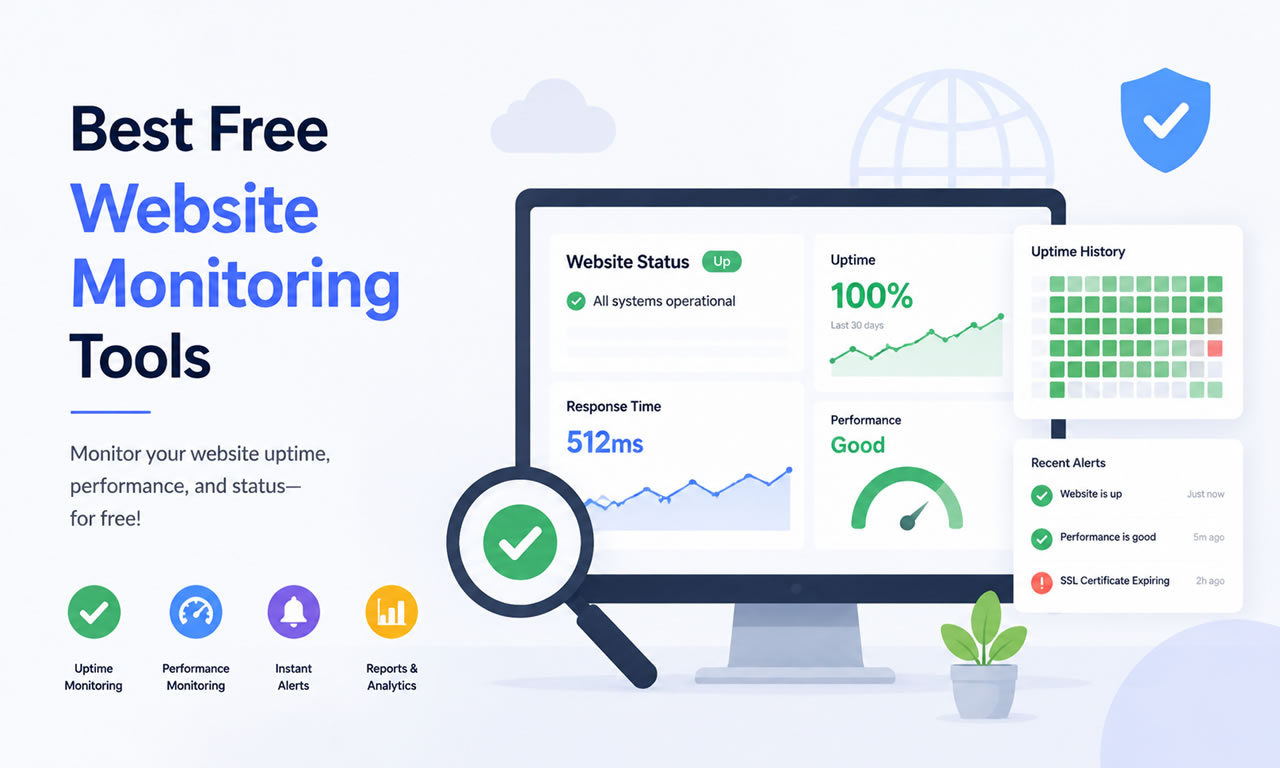
Top 5 Free Website Monitoring Tools to Check Uptime in 2026

Nothing hurts your organic rankings and user trust more than your website going offline. Even if you are utilizing the best free SEO tools to drive traffic, it’s all wasted if visitors see a server error. You need a reliable uptime monitor to alert you the second your site goes down.

Top 5 Free Website Monitoring Tools to Check Uptime in 2026

1. UptimeRobot

UptimeRobot is the industry leader for free website monitoring. Their free plan gives you 50 monitors with 5-minute checks. If your site goes down, they instantly notify you via email or mobile push notification.

2. StatusCake

StatusCake offers a generous free tier that includes 10 uptime monitors checked every 15 minutes. What makes them stand out is their global testing locations, ensuring your site is accessible worldwide.

3. HetrixTools

Designed for webmasters who love data, HetrixTools provides 15 free uptime monitors checked every minute. They also offer free IP blacklist monitoring, which is crucial if you run your own email server.

4. Montastic

If you prefer extreme simplicity, Montastic is the tool for you. It checks your website every 30 minutes and sends a plain text email if the site doesn't respond. It’s a reliable "set it and forget it" solution.

5. Better Uptime (Free Tier)

Better Uptime offers a modern, incredibly clean interface. Their free plan includes basic uptime monitoring and beautiful status pages, allowing you to publicly display your site's reliability to your users.

Posted in Website Monitoring | Leave a comment

10 Best Free SEO Tools for Small Business Owners in 2026

Ranking on the first page of Google doesn't always require expensive enterprise software. If you are a small business owner, blogger, or startup founder in 2026, there are plenty of powerful tools available at no cost. Here is our ultimate list of the 10 best free SEO tools to help you drive organic traffic.

10 Best Free SEO Tools for Small Business Owners in 2026

1. Google Search Console

This is an absolute must-have. It shows you exactly how Google views your site, which keywords are bringing in traffic, and if there are any mobile usability or indexing errors you need to fix.

2. Ahrefs Webmaster Tools (AWT)

Ahrefs offers a free tier for website owners. Once you verify your site, you get access to profound backlink data, organic keyword rankings, and a comprehensive site audit tool that scans for over 100 technical SEO issues.

3. Ubersuggest (Free Chrome Extension)

Neil Patel's Ubersuggest offers a highly functional free Chrome extension. It allows you to see keyword search volume, CPC, and competitor insights directly on the Google search results page.

4. AnswerThePublic

If you are struggling with content ideas, this tool visualizes search questions and suggested autocomplete queries. It is the best free way to find long-tail "how-to" keywords in your niche.

5. Screaming Frog SEO Spider (Free Version)

The free version allows you to crawl up to 500 URLs on your website. It is the industry standard for finding broken links (404 errors), analyzing page titles, and discovering missing meta descriptions.

6. Rank Math (WordPress Plugin)

For WordPress users, Rank Math's free version packs more features than most premium plugins. It offers built-in schema markup, redirect managers, and real-time content optimization suggestions.

7. Google Keyword Planner

Originally built for Google Ads, this remains one of the most accurate sources for keyword search volumes. You just need to set up a free Google Ads account to access the data.

8. GTmetrix

Page speed is a crucial ranking factor. GTmetrix provides a free, detailed breakdown of your website's performance, showing exactly which scripts or uncompressed images are slowing you down.

9. MozBar

This free Chrome extension from Moz gives you instant metrics while viewing any webpage or search engine result. It’s perfect for quickly checking the Domain Authority (DA) of your competitors.

10. Exploding Topics

SEO is about predicting trends. The free version of Exploding Topics helps you discover rapidly growing search terms before your competitors do, allowing you to write content that captures early traffic waves.

Summary

You can build a highly successful organic growth strategy using just these free tools. Start with a solid site audit and focus on creating content that answers your audience's questions.

Posted in SEO | 4 Comments

How to Compress Images for Web Without Losing Quality (Free Tools)

Page speed is a massive SEO ranking factor. One of the biggest culprits of a slow website is unoptimized images. If you are regularly downloading high-resolution files from the best free stock photo sites, you absolutely must compress them before uploading them to your server.

How to Compress Images for Web Without Losing Quality (Free Tools)

Why You Need to Compress Images

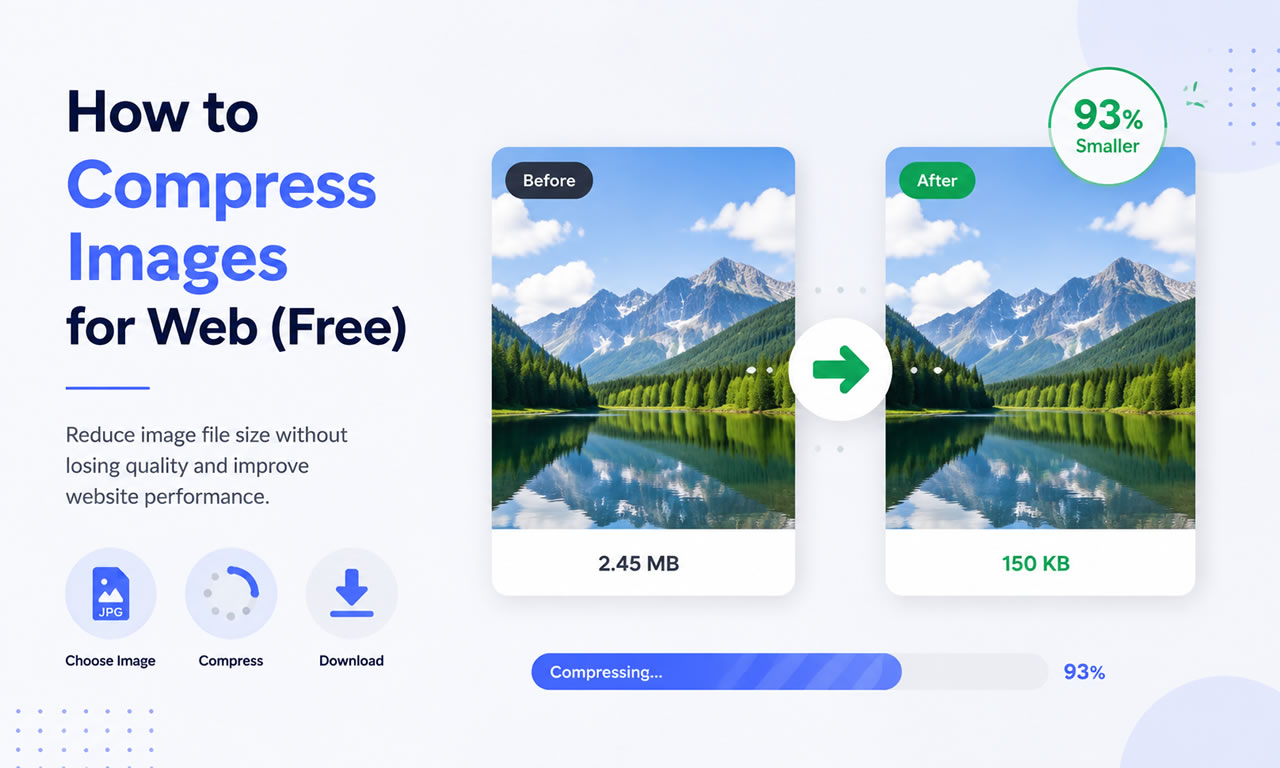
Large image files (anything over 300KB) consume your hosting bandwidth, slow down page rendering, and frustrate mobile users on cellular networks. By compressing images using smart algorithms, you can reduce file sizes by up to 80% with zero visible loss in quality.

Top Free Image Compression Tools

1. TinyPNG / TinyJPG

Don't let the name fool you; this browser-based tool supports WebP and PNG/JPEG formats. TinyPNG uses smart lossy compression techniques to reduce the number of colors in the image, meaning fewer bytes are required to store the data. The effect is nearly invisible, but it makes a huge difference in file size.

2. Squoosh by Google

Squoosh is a free, powerful web app created by Google. It allows you to dive deep into advanced compression settings. You get a real-time slider to compare the original image with the compressed version side-by-side, ensuring you never sacrifice visual quality while trying to hit specific file size targets.

3. Kraken.io (Free Web Interface)

Kraken offers a robust free web interface that allows you to optimize photos in bulk. You can choose between "Lossless" (no quality change at all) and "Lossy" (massive size reduction with minor quality tweaks). It’s highly reliable and very fast.

4. ImageOptim (For Mac Users)

If you prefer a desktop app and use a Mac, ImageOptim is an essential free tool. You simply drag and drop folders of images into the app, and it automatically strips out unnecessary metadata (like GPS coordinates and camera models) and applies lossless compression.

Step-by-Step Compression Workflow for Webmasters

  1. Resize First: Never upload a 4000px wide image if your website container is only 1200px wide. Resize the physical dimensions first.
  2. Run the Compression: Drag the resized image into TinyPNG or Squoosh.
  3. Use Next-Gen Formats: Convert your standard JPEGs to WebP format, which provides superior compression for modern browsers.
  4. Upload: Upload the optimized file to your WordPress media library and enjoy the speed boost!
Posted in Image Tools | Leave a comment

5 Best Free WordPress Templates for Portfolio Sites in 2026

Are you a freelancer, photographer, or designer looking to showcase your work? WordPress is still the most powerful CMS for building a portfolio. To make your projects shine, you need a fast, responsive theme paired with high-quality royalty-free images.

5 Best Free WordPress Templates for Portfolio Sites in 2026

Here are the 5 best free WordPress themes specifically optimized for portfolios and creative agencies.

1. Astra (Free Version)

Astra is incredibly lightweight (requiring less than 50KB of resources) and built for speed. It offers dozens of free starter templates, many of which are specifically designed for portfolios. It works seamlessly with page builders like Elementor and the default Gutenberg editor, giving you total freedom over your layouts.

2. OceanWP

OceanWP is highly customizable and packed with features. Its free version comes with powerful extensions that are normally premium in other themes. It’s perfect for creative professionals who want full control over their site's header, footer, and typography designs. It also integrates perfectly with WooCommerce if you plan to sell your artwork.

3. Neve by ThemeIsle

Designed with a mobile-first approach, Neve ensures your portfolio looks stunning on smartphones and tablets. It boasts lightning-fast load times, which is a critical ranking factor for Google in 2026. The theme is AMP compatible and provides incredibly clean grid layouts for showcasing case studies or photography.

4. Kadence Theme

Kadence is rapidly becoming a favorite among WordPress developers due to its incredibly powerful free header and footer builder. It offers a global color palette system, meaning you can change the entire color scheme of your portfolio with two clicks. Its starter templates feature modern, spacious designs perfect for creatives.

5. GeneratePress

If you care about clean code and maximum performance, GeneratePress is the answer. While its free version is visually simpler out of the box, it provides an rock-solid foundation. It is ideal for developers who want to build a minimalist portfolio that loads instantly and passes all Core Web Vitals tests with flying colors.

What Makes a Good Portfolio Site?

  • Clean Typography: Use highly readable fonts that don't distract from the visual work.
  • White Space: Ample padding and margins let your projects breathe and stand out.
  • Speed: Ensure your image galleries load quickly by compressing your files before upload.
Posted in Website Templates, WordPress | Leave a comment