
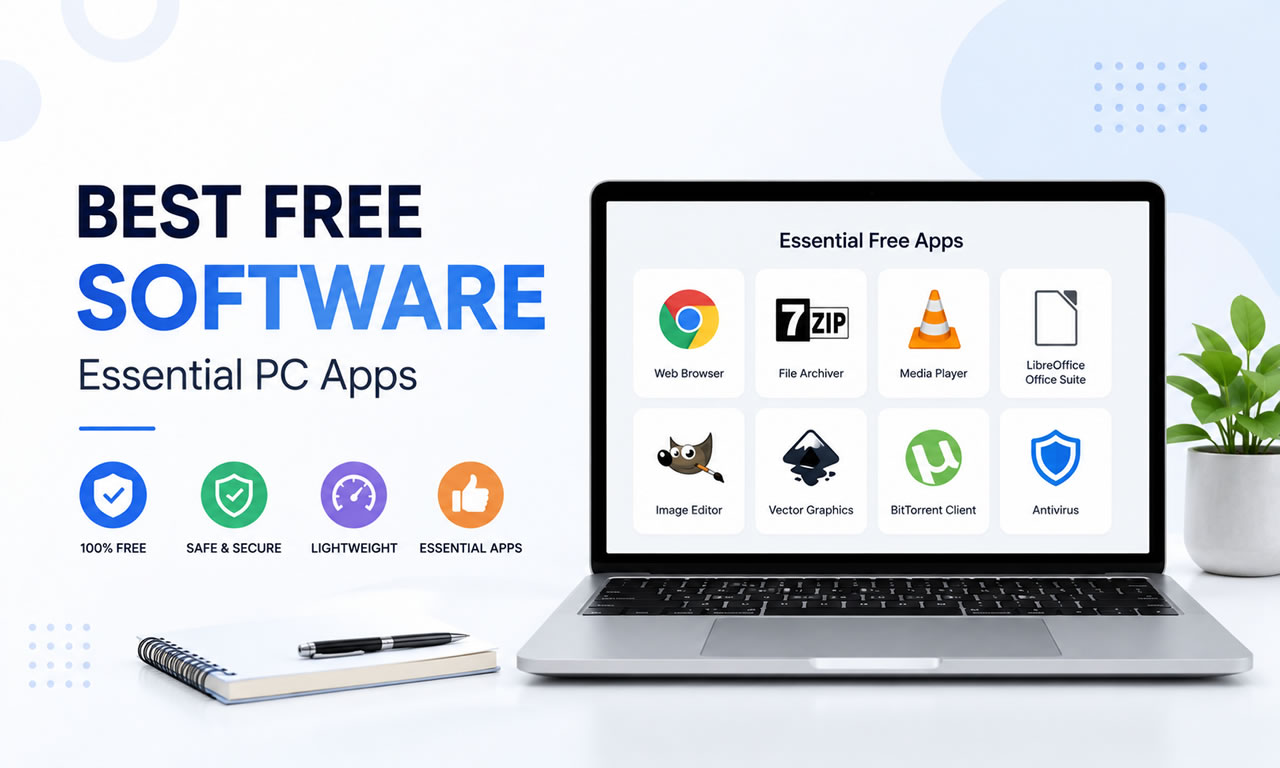
Setting up a new Windows or Mac computer is exciting, but the default built-in apps are rarely enough for power users. Fortunately, the open-source community and freeware developers provide incredible tools that cost absolutely nothing. If you want to maximize your productivity and security in 2026, here is our ultimate list of the 10 best free software you need to install immediately.
1. Brave Browser: Fast and Ad-Free
Ditch the default browsers. Brave is built on Chromium, meaning it supports all Chrome extensions, but it automatically blocks trackers and intrusive ads out of the box. It dramatically speeds up page load times and respects your privacy.
2. 7-Zip: The Ultimate Archive Tool
Don't pay for WinRAR. 7-Zip is a completely free, open-source file archiver with a high compression ratio. It is lightweight, supports nearly every archive format (ZIP, RAR, TAR), and is an essential utility for any PC.
3. Bitwarden: Open-Source Password Manager
In 2026, using the same password for multiple sites is a massive security risk. Bitwarden is a 100% free, secure password manager that syncs across all your devices, allowing you to generate and store complex passwords safely.
4. VLC Media Player: Play Any Video Format
VLC remains the undisputed king of media players. It is free, contains no spyware or ads, and comes with built-in codecs to play virtually any audio or video format you throw at it.
5. LibreOffice: Free Microsoft Office Alternative
If you don't want to pay for a Microsoft 365 subscription, LibreOffice is the most robust free alternative. It includes powerful applications for word processing, spreadsheets, and presentations that are fully compatible with DOCX and XLSX files.
6. Microsoft PC Manager: Built-in Optimization
Microsoft's own free PC Manager has matured significantly by 2026. It offers a clean, ad-free interface to boost your PC's performance, clear temporary files, and manage startup apps without relying on sketchy third-party cleaners.
7. GIMP: Free Image Editor
Known as the free alternative to Photoshop, GIMP (GNU Image Manipulation Program) provides sophisticated tools for photo retouching, image composition, and graphic authoring. It has a steep learning curve but immense power.
8. OBS Studio: Screen Recording and Streaming
Whether you are recording a tutorial or streaming on Twitch, OBS Studio is the industry standard. It is completely free, open-source software for video recording and live streaming without any watermarks.
9. Everything: Lightning-Fast File Search
Windows' default search function can be sluggish. "Everything" by Voidtools is a tiny utility that instantly locates files and folders by name across your entire hard drive in milliseconds.
10. Audacity: Audio Recording and Editing
For podcasters, musicians, or anyone needing to edit audio files, Audacity is the best free, open-source digital audio editor. It supports multi-track editing, noise reduction, and various audio effects.
Summary
Equipping your PC with these robust free tools will save you hundreds of dollars while providing premium functionality. Build your ultimate digital workspace today without spending a dime.
