
When generating images with Gemini AI, a Gemini watermark and logo appear in the bottom right corner to identify the image as AI-generated or edited. However, in many scenarios (such as for professional use), you may want to remove this small, semi-transparent star icon to make the image look more natural. But is there any way to remove the Gemini watermark without leaving any traces?
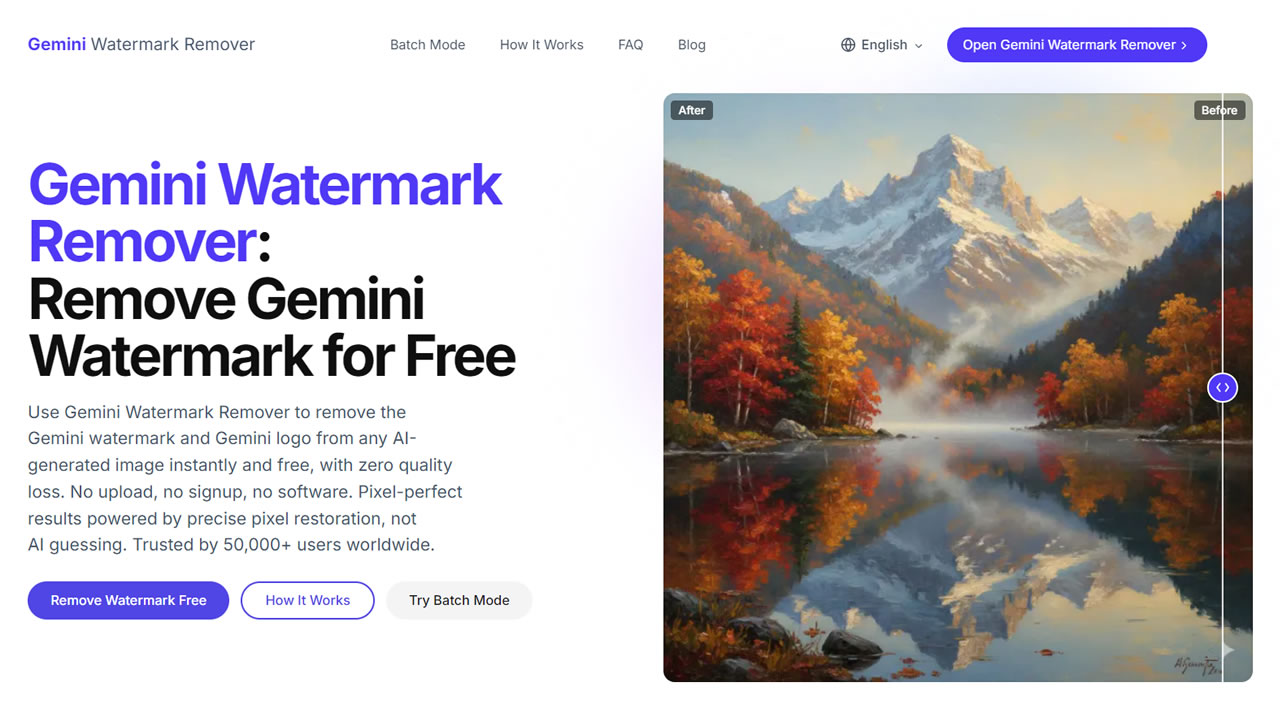
Professional Watermark Removal with No Smudging
This article introduces the Gemini Watermark Remover, a free tool designed to remove AI logos and watermarks. All processing is done 100% in your browser, meaning your images never leave your device. It supports formats like PNG, JPG, WebP, and BMP, with a maximum file size of 20 MB, which easily meets the needs of most users.
The Gemini Watermark Remover accurately identifies the watermark area and restores the original pixels beneath it, making the result look identical to a clean, unwatermarked image. This tool does not use the traditional "smearing" or "blurring" method, so you don't have to worry about losing image quality during editing. Once processed, it displays a before-and-after comparison. You can simply drag the slider to compare the two versions and download the clean, watermark-free image.
Website Information
Website Name: Gemini Watermark Remover
Website Link: https://geminiwatermarkremover.im/
How to Use It
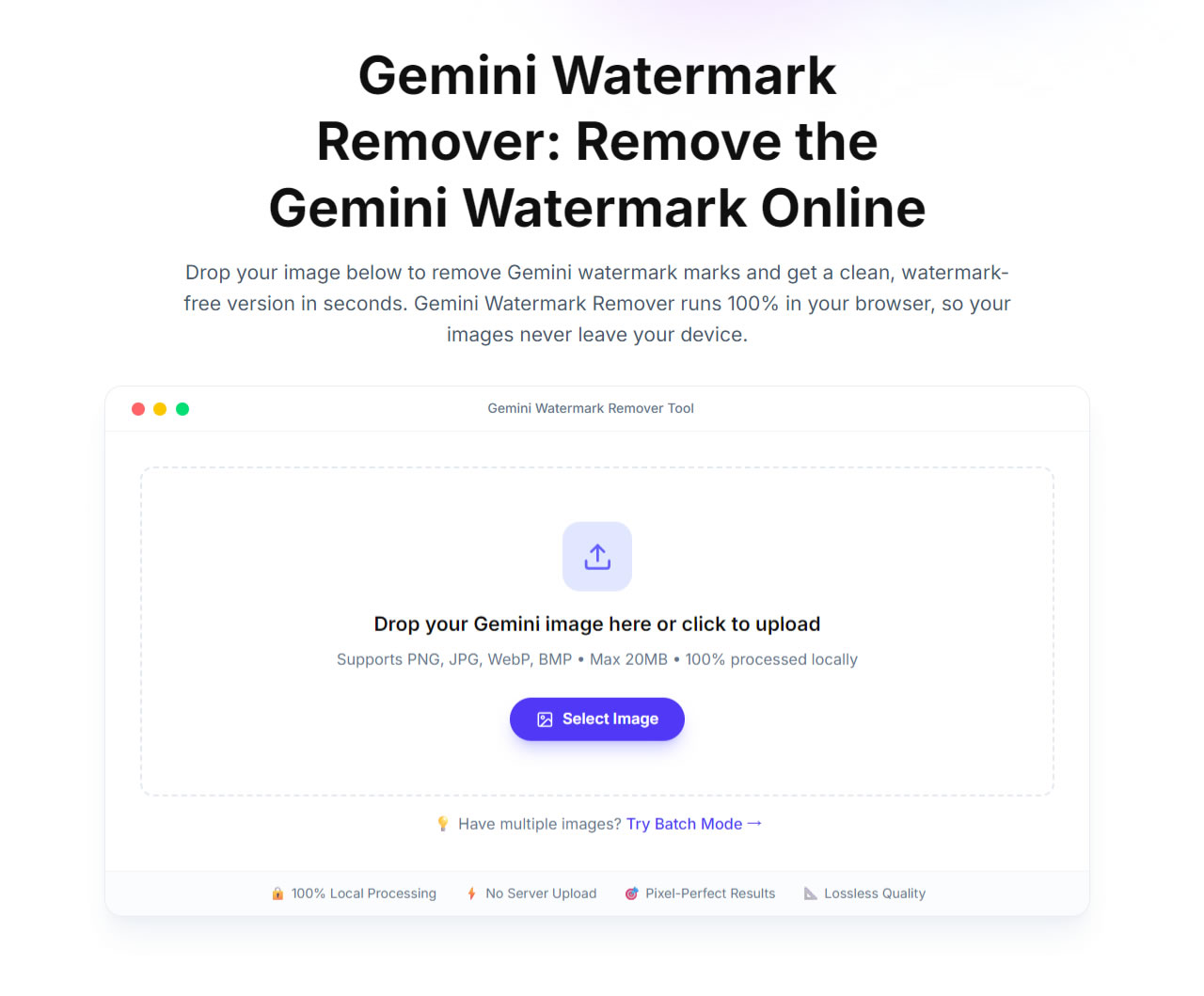
Upload or Drag and Drop Your Image
After opening the Gemini Watermark Remover, scroll down to find the image selection area. You can drag and drop your image directly onto the webpage, or click the "Select Image" button to choose the file you want to edit. The entire process happens locally in your browser; files are never uploaded to any server. The maximum file size limit is 20 MB.
Instant Comparison and Download
Another standout feature is the lightning-fast processing speed. According to the site, it takes only 50 milliseconds to remove the watermark, making it significantly faster than most online tools or browser extensions.
Once finished, the tool displays a side-by-side comparison of the original and processed images, allowing you to quickly check the differences. Simply click the "Download Clean Image" button to save your watermark-free version.
